Smart document scanning
Fast auto edge detection helps frame documents, receipts, notes, IDs, books, and photos.
Make every document
One calm workspace for scanning, organizing, converting, and securing documents.
Bring pages and files into the right order.
Improve file size and recover more from your documents.
Move between images, PDFs, and popular document formats.
Add finishing touches and make documents ready to share.
Control access and handle sensitive documents carefully.
Continue from camera capture to useful, searchable documents.
Built for everyday documents
Use the camera or existing images, clean up each page, extract text when needed, and keep the finished files organized on your phone.
Fast auto edge detection helps frame documents, receipts, notes, IDs, books, and photos.
Choose images from your phone and combine them into a single multi-page PDF file.
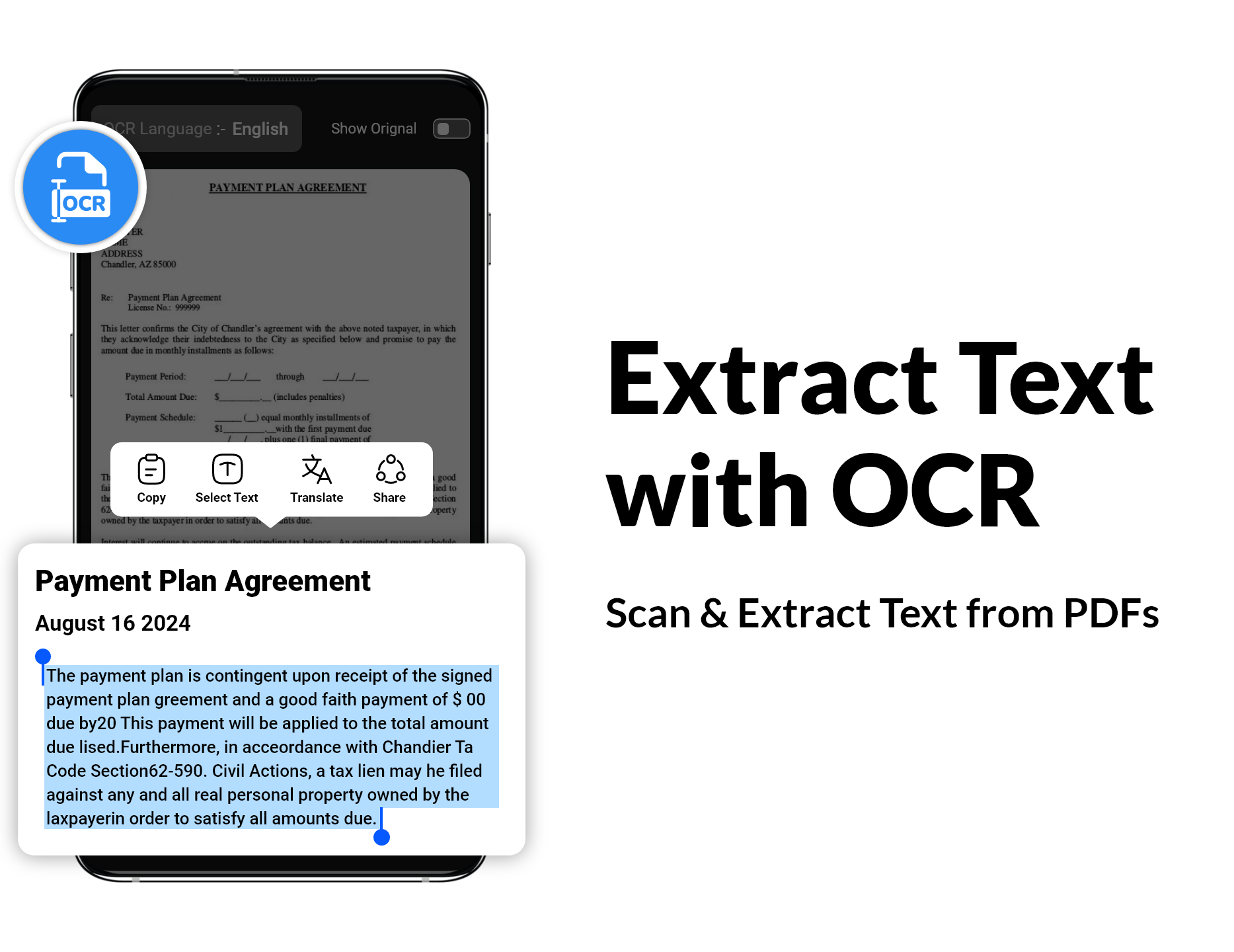
Extract text from scanned images so you can copy it instead of typing it manually.
Apply color, grayscale, or black-and-white filters to make scanned pages clearer.
Keep PDFs and important documents together in the app for quick access.
Save scans as PDF or JPG and share the finished document from your phone.
See the real app
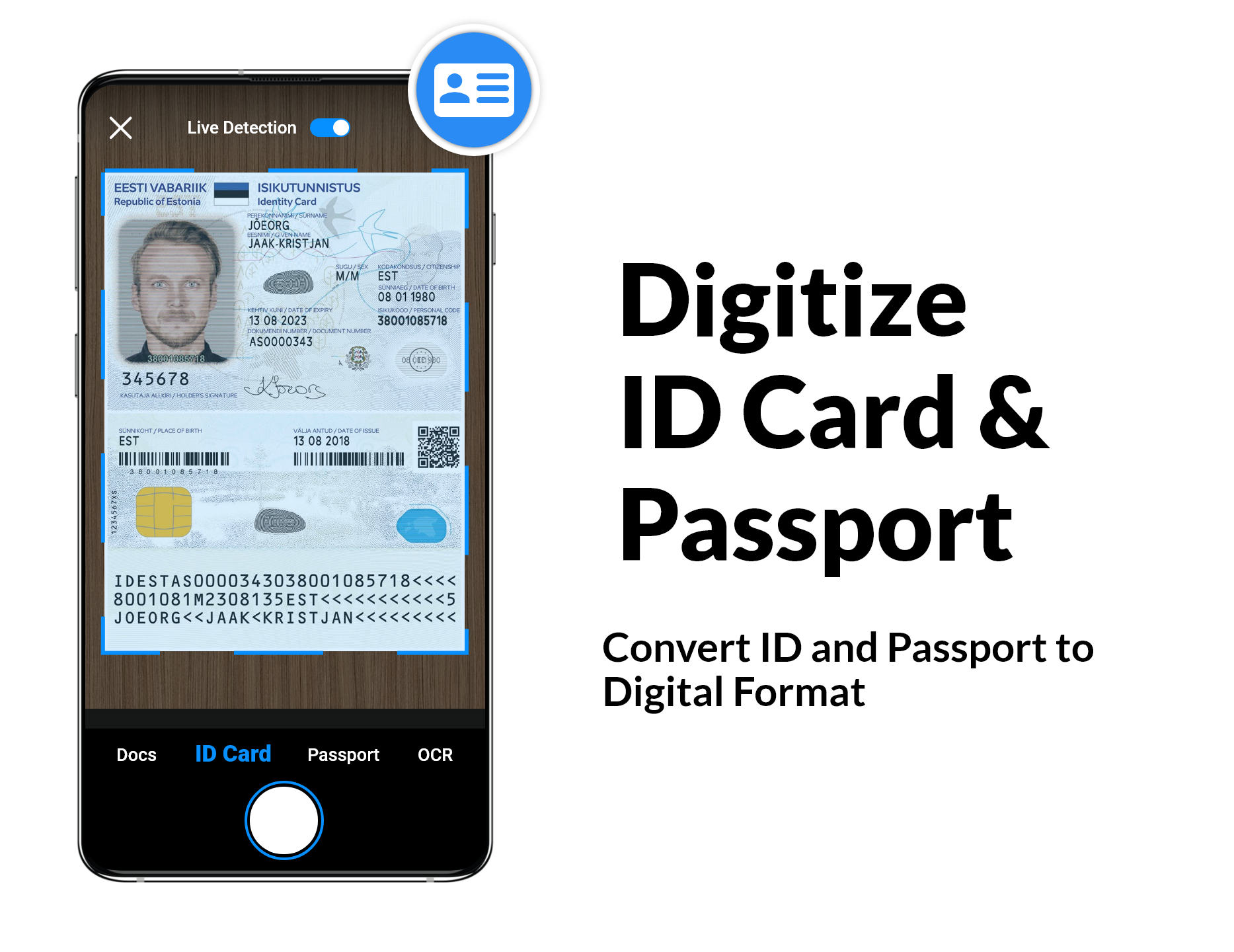
Capture
Live detection helps place an ID inside the capture area before saving it in a digital format.
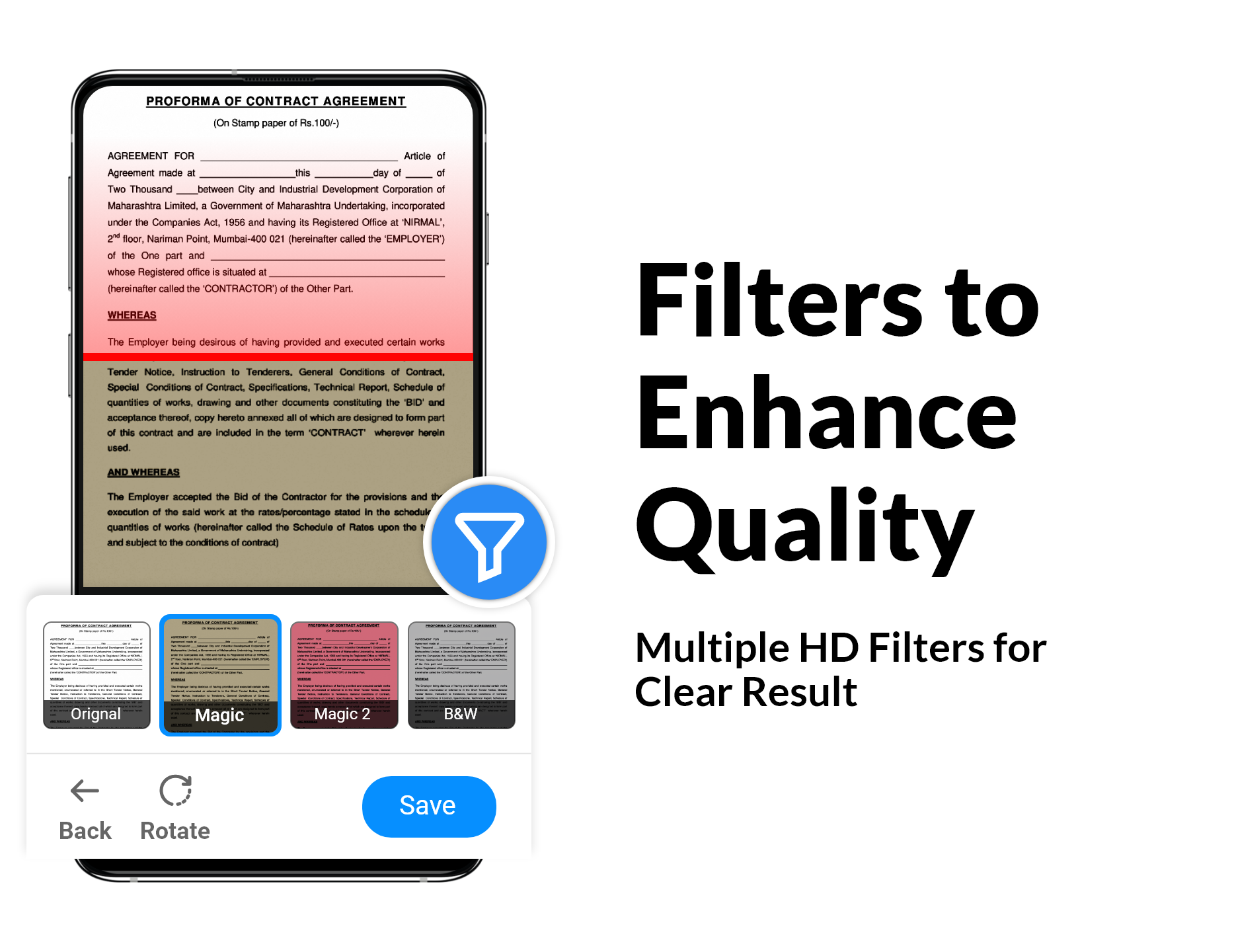
Enhance
Review the scan and apply the filter that makes the page easiest to read before saving.
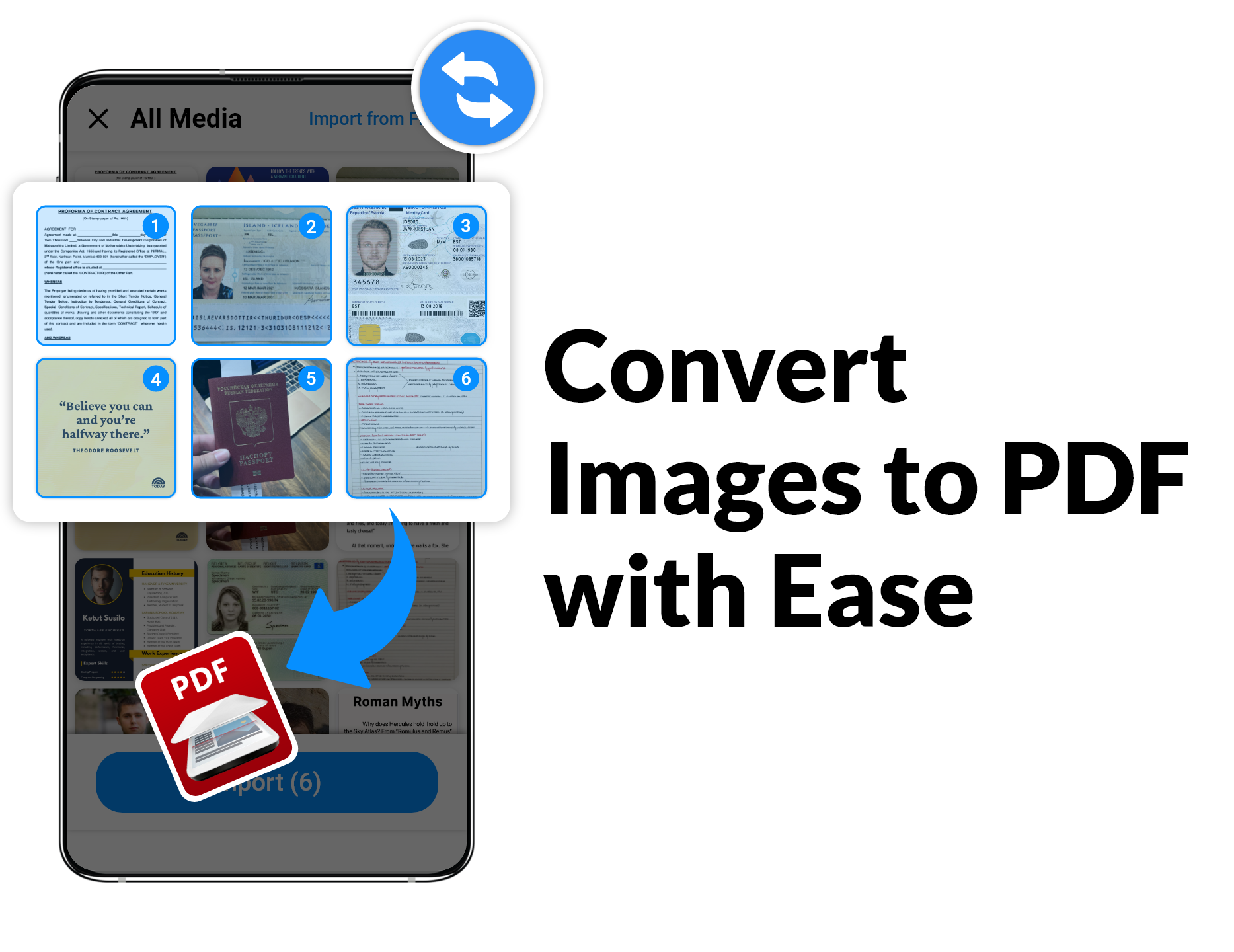
Convert
Select several images from your phone, order them, and export them together as a multi-page PDF.
Extract
Scan a page and turn the words in the image into selectable text that can be copied, translated, or shared.
Ready when you are
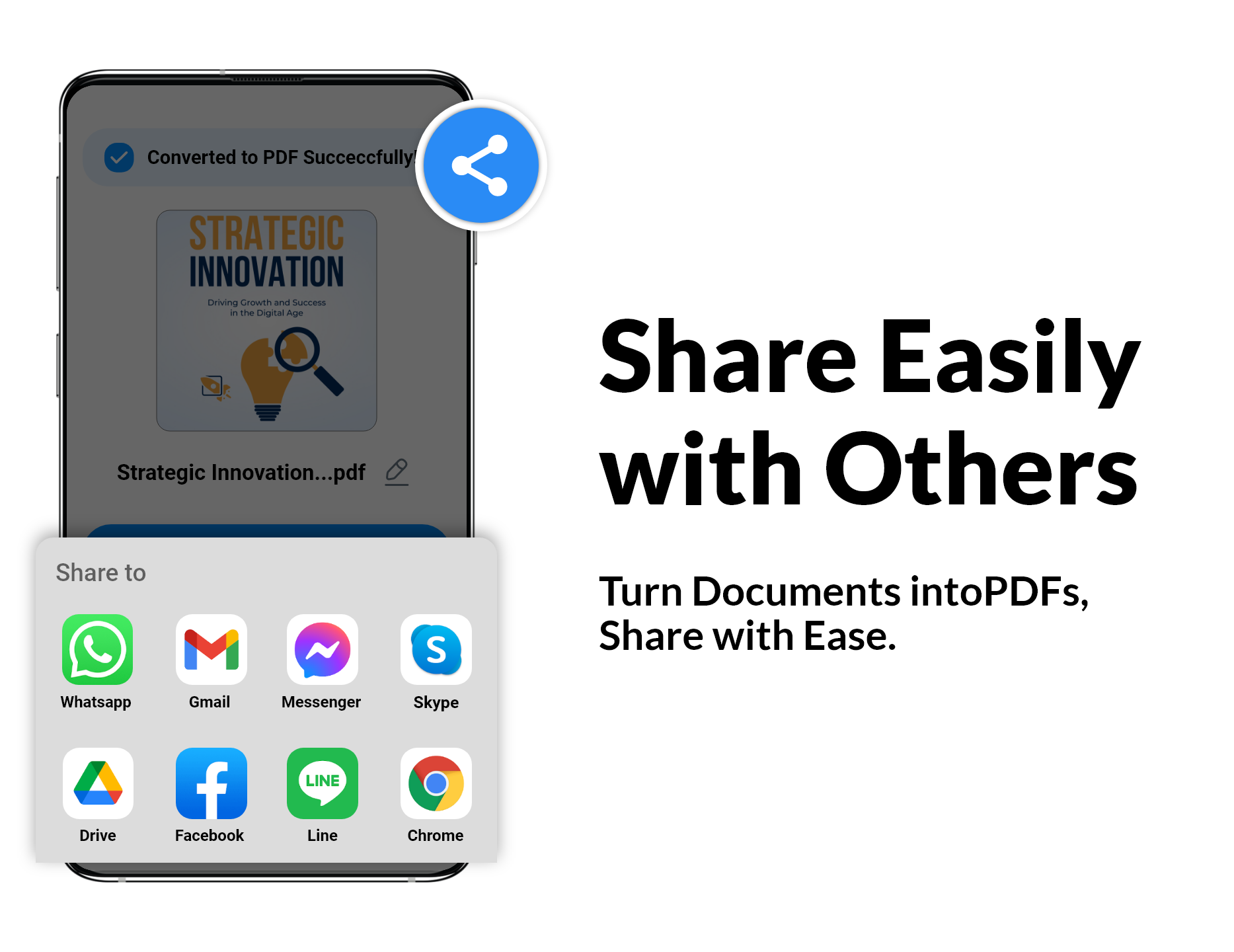
Once a document is converted, share it through the apps available on your phone. PDF Scanner keeps the workflow straightforward from capture to delivery.
PDF toolbox
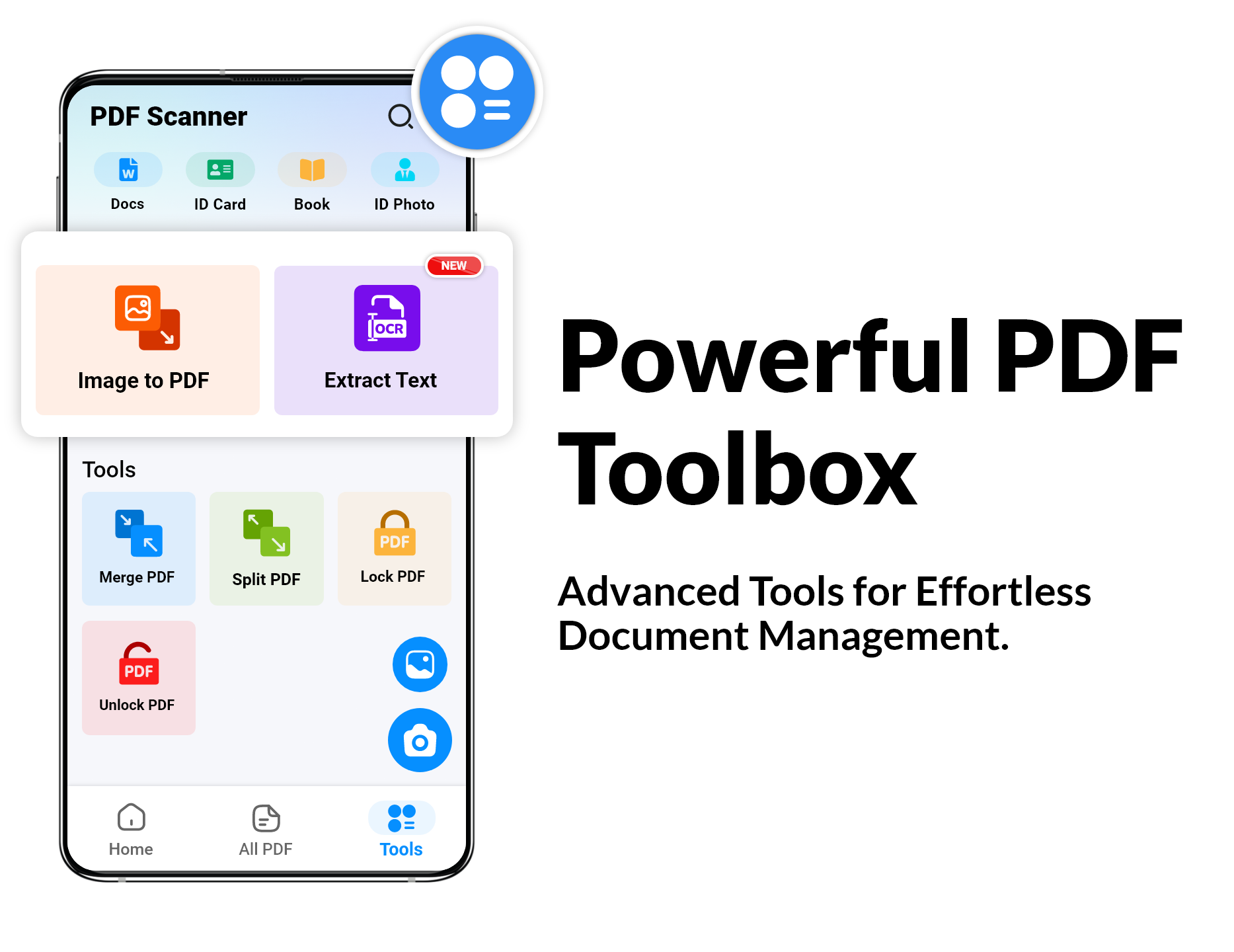
The app includes image-to-PDF and OCR tools alongside document controls for merging, splitting, locking, and unlocking PDF files.
Google Play reviews
Selected public reviews from the PDF Scanner - Document Scanner Google Play listing.
“Clear, concise, and to the point. It is refreshing to work with this app, which is simple, easy-to-use, and straightforward.”
“This app has more features than any other scanner out there. Really easy and quick to use. Autocropping is pretty accurate and the images are edited perfectly using the filters.”
“Has been reliable and my go-to for a long time now. Easy to use, good quality and can be used in the free version to share, save and do all that is needed.”
App details
These details reflect the product information supplied from the Google Play listing.
Version 6.3.0 · Updated August 27, 2026
Download PDF Scanner - Document Scanner on Google Play and scan documents to PDF wherever you are.